By Ed Jowett September 10, 2026
Post authorizations to a clearing account, never to cash. Cash posts only on the funding advice, net of fees, when the acquirer’s batch lands in your bank.
Reconciliation breaks because you posted the authorization, not the settlement
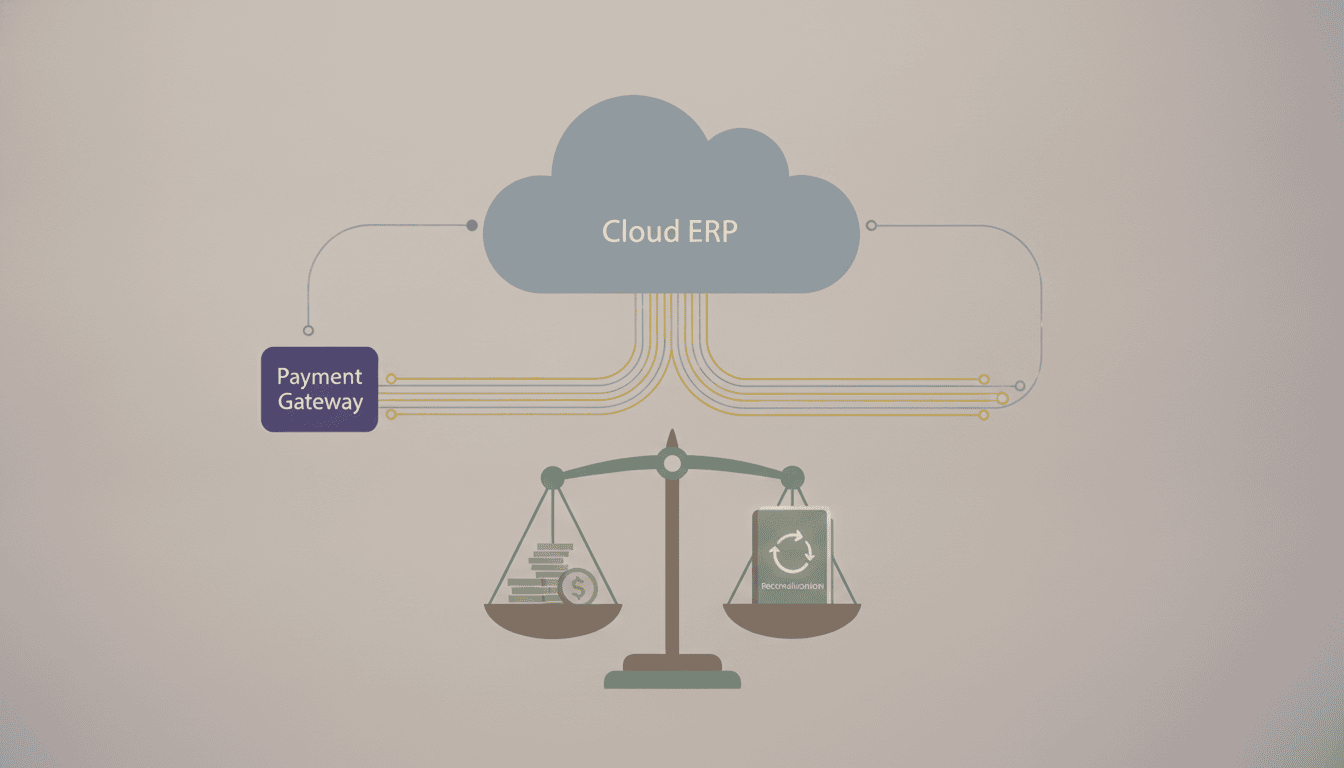
Nearly every cloud ERP integration with payment gateways ships with a connector that writes a cash receipt the moment the gateway returns an approval code. That approval is a hold on a cardholder’s credit line. No money moved. Money moves days later, in a batch, net of interchange and scheme fees, aggregated across dozens or hundreds of orders that never map one-to-one onto the deposit line your treasury team sees (Preventing and Recovering from Operational Errors and…). So the ledger carries receipts that the bank statement can’t confirm, and AR aging fills with noise nobody can explain.
Three timestamps sit inside a single card sale and none of them agree. Authorization time is when the issuer approved. Capture time is when you told the acquirer to collect, which may be at ship, at invoice or at a nightly job. Funding date is when the acquirer’s batch settles to your DDA. The gap between them is normal, and it’s covered in more detail in Inside the Enterprise Payment Workflow: Authorization, Clearing, and Settlement.
Because funding is net, the deposit will never equal the sum of your invoices unless you book processing costs as their own expense line rather than netting them silently against revenue. Design the posting so one bank line clears one journal entry, sourced from the funding advice and not from the gateway’s approval feed.
The recurring culprits are predictable:
- Partial captures, where you shipped less than you authorized.
- Refunds and reversals issued after batch cutoff, which fund on a different day than the sale they offset (12 CFR Part 1005 — Electronic Fund Transfers (Regulation E)).
- Voids that cancel an auth the ERP already booked as cash.
Set the target before you build. The operating discipline behind those numbers is in Payment Reconciliation at Scale: Best Practices for Enterprises.
The four data objects that must carry the same key end to end
A deposit is traceable only if every hop writes down an identifier the next hop echoes back. Map them before you write a line of integration code.
| Object | Created by / system of record | Where it lands in the ERP | Watch-out |
|---|---|---|---|
| Order or invoice number | ERP, at document creation | AR document number; also passed to the gateway merchant-defined field | Test the exact length your numbering scheme produces. |
| Gateway transaction ID | Gateway, at authorization | Payment record on the AR document, plus the settlement staging table | Store both. |
| Acquirer reference number or batch reference | Acquirer, when the batch is submitted for clearing | Deposit-matching key on the cash application line | The ARN is the value that appears in acquirer settlement reporting and follows the item through disputes (Information Supplement) |
| Bank deposit reference | Funding bank, on the credit | Bank statement line, cleared against the deposit control account | Net funding hides fees. Match on batch total plus fee line, not gross. |
| Response and reason code | Issuer, returned through the gateway | Mapped dunning or dispute status, not a free-text note | Map the code values to a fixed status list so retry logic is deterministic. |
The rule that saves you: the invoice number has to ride in a gateway field the acquirer echoes on the funding file, not just in the ERP payment record. If it lives only on your side, every unmatched deposit becomes a manual hunt through transaction IDs.
Wiring sequence: build it in this order
Start this work after you’ve frozen the identifier set from the previous step and before anyone opens an SDK. Order matters because the expensive rework is always accounting-side: a clearing account added in month three means re-posting every batch already booked, and a token vault chosen in week one decides whether you can change processors in year three.
- Model the chart of accounts. Stand up a payments clearing account, a separate processing-fee expense account, and distinct accounts for chargebacks and any acquirer reserve, then confirm your controller agrees that gross deposits post to clearing and fees post as expense rather than netting silently.
- Pick the integration point. Use gateway-hosted fields or an iframe so no PAN reaches an ERP server, which keeps those systems out of the audit trail that PCI DSS requires for anything accessing cardholder data (Information Supplement), and hold tokens at the gateway boundary so the processor stays swappable. Our guide to Payment Tokenization, Encryption, and Fraud Prevention in Enterprise Payments covers vault ownership in detail.
- Map invoice number, customer ID, order ID and batch reference into named gateway custom fields. Do this before code, and verify each field appears on a test settlement report, not just in the API response.
- Automate ingestion of the daily settlement and funding file on a schedule. Webhooks tell you what happened; the file tells you what was funded, and only the file balances to the bank.
- Make every posting idempotent on the gateway transaction ID.
- Add Level 2 and Level 3 fields while the payload is already open.
- Sandbox the ugly cases described in Payment API Testing: Sandbox Testing and Quality Assurance in Payment API Deployments: partial capture, refund after close, decline-then-retry, currency rounding.
That’s the gate for cutover in any Payment ERP Integration: Integrating Payment Gateways with ERP and CRM Systems project.
Webhooks, batch files and middleware: which sync model to pick
The decision isn’t which transport is best. It’s which system of record owns which field. Pick one to carry both jobs and you get an invoice marked paid on an authorization that never settled.
| Criterion | Webhook / event stream | Nightly settlement file | Middleware / iPaaS connector |
|---|---|---|---|
| Failure handling required | Replay, retry queue, dead-letter path | File-arrival alert and gap check by batch ID | Vendor-defined, often opaque |
| Fee and interchange detail | Rarely present | Full, at the batch or transaction level | Usually dropped in mapping |
| Audit trail for card data access | Logged per PCI activity categories (Information Supplement) | File transfer logs | Split across two vendors |
Run both. Events drive customer-facing status and dunning, which is the case made in event-driven payment automation, and the file posts cash and fees. Never let one write the other’s fields. Build the retry queue and dead-letter path before go-live, not after the first outage; payment failure retry logic covers the queue design. iPaaS earns its place only where the mapping stays visible and version-controlled. With two processors funding one clearing account, the file layer stops being optional, and every line needs a processor dimension or the bank reconciliation won’t split.
ACH, disputes and the records the integration has to keep
The integration has to reverse the original entry against the original invoice, not raise a fresh debit that leaves two open items on the same customer.
Nacha’s supplementing data security rule reaches Originators and their service providers and names AP and AR systems explicitly, so deposit account numbers stored electronically in the ERP have to be rendered unreadable (Supplementing Data Security Requirements (Phase 1)). Tokenize the bank account at the gateway and let the ERP hold the token. For consumer EFTs, Regulation E puts retention of evidence of compliance on the person subject to the Act, which includes your records and not only the bank’s (12 CFR 1005.13 — Administrative enforcement; record…).
Chargebacks need a posting path of their own, keyed to the case ID, or the write-off shows up as bad debt and your loss reporting stops matching the processor’s. We cover the case mechanics in Understanding Disputes and Enterprise Chargebacks in Enterprise Environments. Logs close the loop. PCI guidance sets user access to cardholder data as the first tracked category and expects daily review (Information Supplement), and the ERP audit trail is part of that evidence set, as is scope planning covered in PCI DSS Enterprise Compliance: Compliance Considerations When Integrating Payment APIs Globally.
From enterprisepaymentprocessing.com Return codes, dispute evidence and refund postings each need a place to land in the ERP before go-live, not after. We map those paths for enterprise integrations, including which identifier carries through from authorization to settlement. See how we map ERP payment posting paths
Contract terms that decide whether reconciliation is even possible
Your ledger can only match what the processor agrees to send you. Put the raw settlement file in the agreement, with per-transaction interchange, network fees and the funding batch identifier on every line. A summarized statement PDF at month end can’t be matched to anything. Interchange-plus with a disclosed margin gives you fee lines that recompute; a bundled rate turns your fee account into a plug figure your controller writes off. Reserve terms and downgrade schedules change what actually lands in the deposit, so read them before you read the rate, the way you’d read them for any enterprise payment processing engagement.
Three clauses we tell clients to fix before signature:
- Token export on termination, in a format the next gateway can ingest, plus historical transaction export covering your ACH retention obligation of six years (Preventing and Recovering from Operational Errors and…).
- Sandbox parity with production, including settlement file formats and multi-currency behavior if you’re reading Cross-Border Payment Gateway Integration for International Enterprises.
- A stated notice period before any API version is deprecated.
Pull your current contract and mark which of those five items it actually grants. Send the gaps to your processor as redlines before the next renewal window opens.
Frequently Asked Questions
Can Salesforce be integrated with payment gateways the same way an ERP is?
Yes, but Salesforce sits on the wrong side of the ledger for reconciliation, so treat it as an order-capture surface rather than the system of record for cash. Wire the gateway once, to the ERP, and let Salesforce write the order and the payment reference into the same key the ERP uses. Two direct gateway connections with two different transaction IDs is how you end up reconciling one payment twice.
What is an ERP payment system, and how does it differ from a payment gateway?
An ERP payment system is the accounts receivable and cash application logic inside the ERP: it opens invoices, applies receipts, ages balances and closes the period. The gateway does one narrow job, which is moving an authorization or an ACH entry to a processor and returning a response. The integration is the mapping between them, and it lives or dies on whether the settlement identifier the processor returns is the same identifier the ERP stored at authorization.
How long should a cloud ERP payment gateway integration take?
The card authorization path is the fast part, ACH stretches the timeline because returns arrive days after settlement (Nacha) and Regulation E requires you to keep the evidence of compliance for the retention period the rule specifies (12 CFR 1005.13 — Administrative enforcement; record…). Budget separate time for dispute and refund flows, which teams routinely leave for last and then discover have no ERP posting path at all.
From enterprisepaymentprocessing.com We work on enterprise gateway integrations where the settlement identifier has to survive the round trip into the ledger, and where ACH returns and chargebacks need a posting path from day one. That includes keeping tokenization at the gateway boundary so your processor stays replaceable later. Bring us the ERP, the acquirer and the reconciliation report you’re stuck on. Talk to us about ERP payment integration
Leave a Reply